 Infinite Notes
Writing that feels like paper
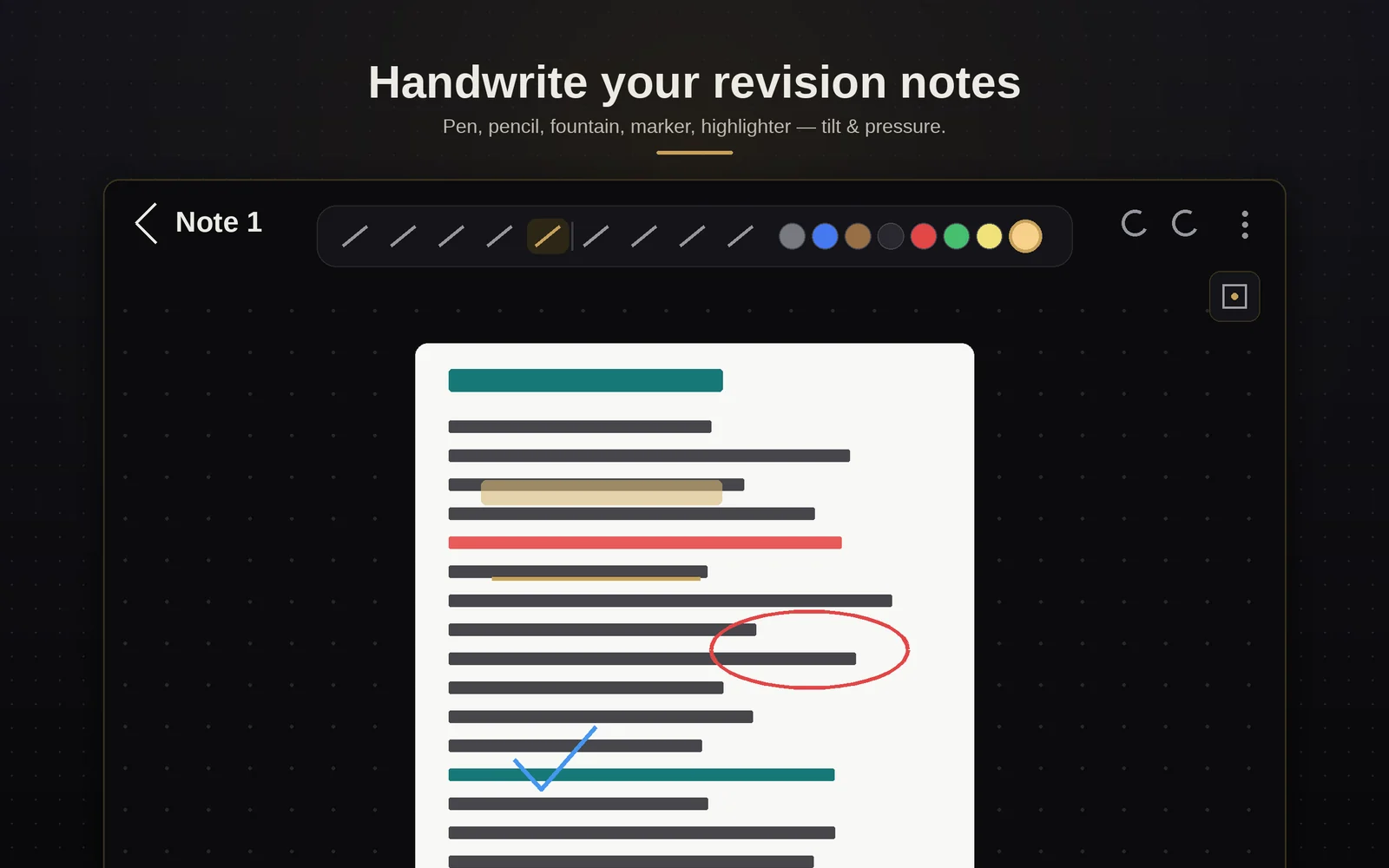
Pen, pencil, fountain pen, marker and highlighter — pressure and tilt aware, with palm rejection so you can rest your hand. Study tape hides answers; a laser pointer helps you present.
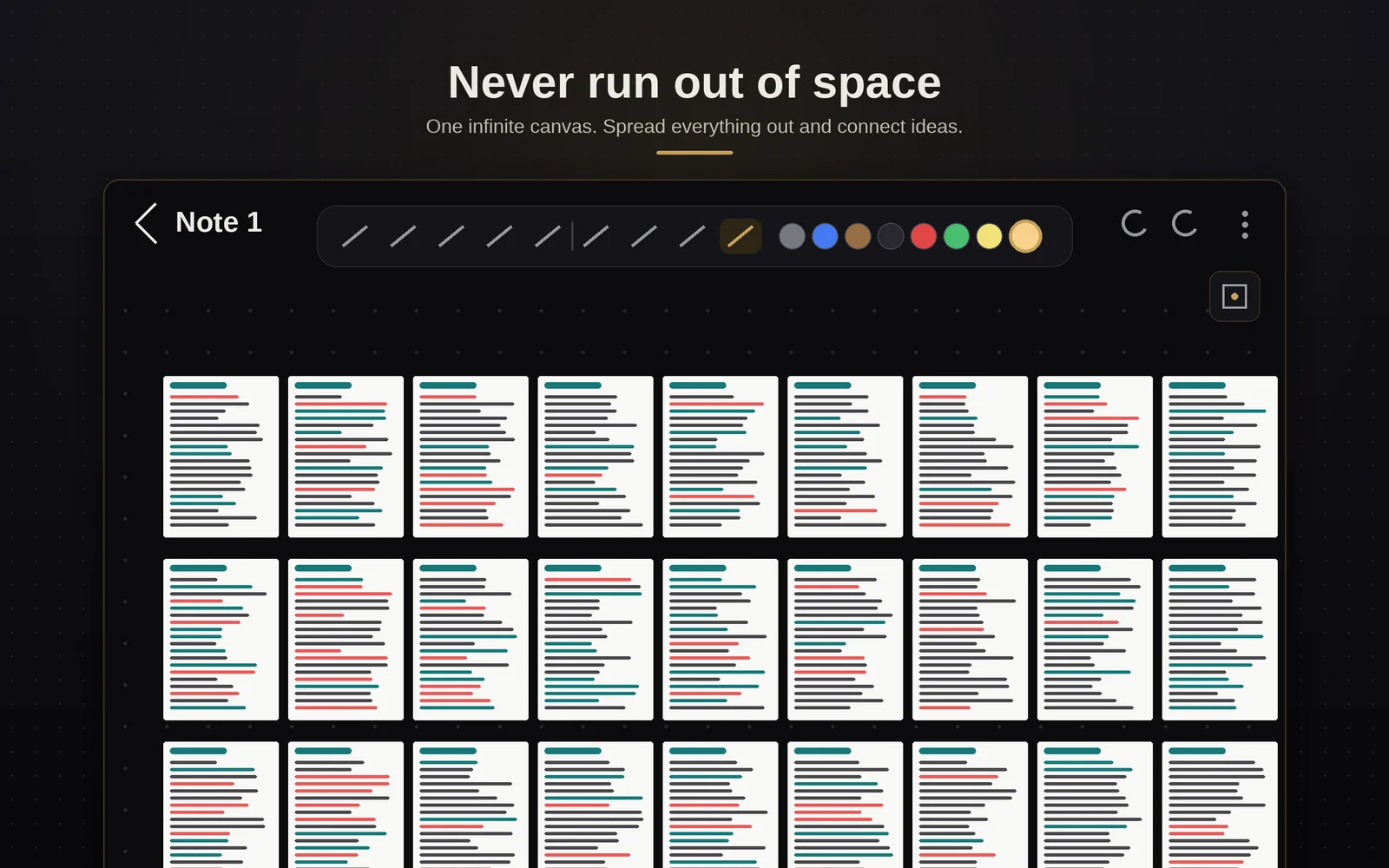
Write with a pen on a page that never runs out — with your lecture slides, videos, quizzes and mind maps living on the same page as your handwriting.
Which muscle initiates the first 15° of abduction?
A PDF viewer, a video player, a flashcard app, a quiz, a notebook. Infinite Notes puts them on the same canvas — and lets you write over all of it.
Pen, pencil, fountain pen, marker and highlighter — pressure and tilt aware, with palm rejection so you can rest your hand. Study tape hides answers; a laser pointer helps you present.
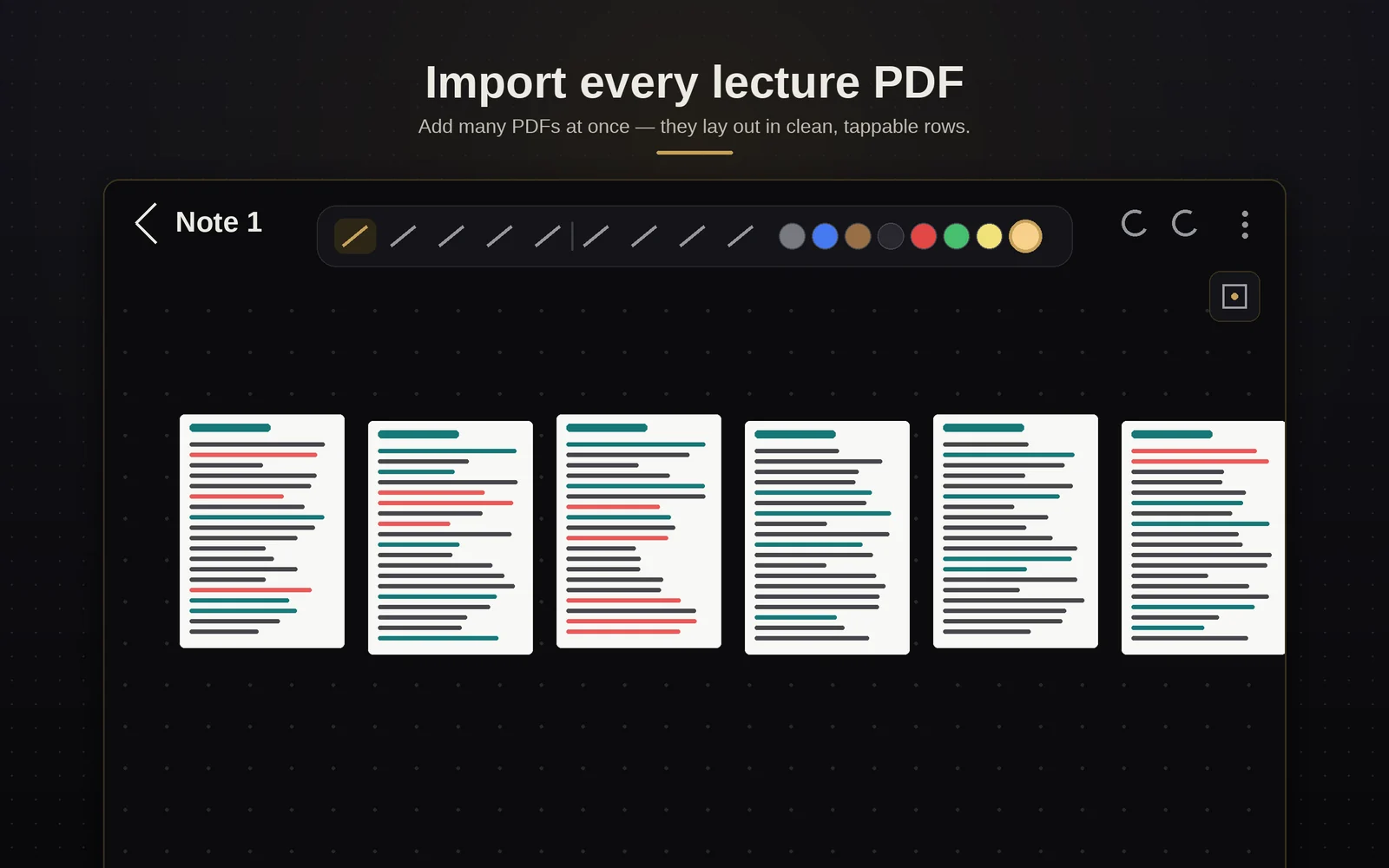
Import dozens of PDFs at once and they lay out in tidy rows. Drop in a Word document and it arrives as pages. Slides stay locked in place while you write over them, and two notes merge into one without covering a line.
Nine kinds of study material, every one interactive — and every one you can write over. Videos play while your ink sits on top. Mind maps drag and fold. Flashcards flip. Quizzes mark your answer and show why.
Lasso your writing and turn it into typed text. On-device, offline after a one-time download.
The Windows app opens the same notes on a big screen and syncs with your tablet over a USB cable, in whichever direction you choose — no Wi-Fi, no account, nothing leaves your two devices.
Put any note behind your fingerprint. Folders and colour tags keep a whole degree in order.
Record a lecture on the tablet; a laptop with an NVIDIA graphics card transcribes it and writes structured revision notes back onto a page — headings, key terms and all. In early testing, and not in the public download yet. When it arrives: always get permission before recording a lecture.
From six apps to one page: bring in your lectures, write straight over them, study from the same canvas — then zoom out and see the whole course at once.
No cloud in the middle. Your tablet and your laptop talk to each other directly, and nobody else is in the conversation.
The full app. Everything works offline.
Download the APKYour notes on a big screen, synced over USB.
Download for WindowsPaste this into your coding assistant. It checks the download is genuine, asks before installing anything, and never touches your notes.
Enjoying it? A star on GitHub helps other students find it.
Star on GitHubI was revising from six apps at once — PDFs in one, videos in another, flashcards somewhere else. So I built the notebook I wanted: one page, no edges, and everything I'm learning on it.Sai — founder, Infinite Notes